Building My Developer Portfolio
A deep dive into the design decisions, architecture, and development process behind sametzengin.dev.
Why I built it
Every developer reaches a point where a LinkedIn profile or a conventional CV stops being enough. I wanted a place that showed not just what I had done, but how I think and how I work.
Instead of reaching for a ready-made portfolio template, I started from a software documentation template. The reasoning is simple: documentation frameworks are designed to present complicated technical material cleanly and make it easy to navigate. Why not use that same structure to present myself?
Architecture
The site is built on Next.js and MDX (Markdown + JSX). Every page can be written quickly as an MDX file, while still letting me drop a React component in wherever I need one.
The main technical decisions:
- MDX-first content : Experience, skills, blog and stack are each an MDX file. Updating content is as simple as editing markdown, but interactive React components can be used inline.
- Framer Motion animations : The card hover effects on the home and projects pages use
useMotionValuewith a radial gradient mask. Following the cursor gives the effect a premium feel. - API-style contact form : Rather than a conventional form, I built an interactive code playground that shows the real API request in several languages (cURL, JavaScript, Python, PHP) as you write your message.
- CV generator : An internal tool that produces role-specific PDF CVs with tracked links, QR codes and analytics. All of it integrated into the site.
Design philosophy
I worked to three principles:
- Documentation-inspired navigation : A persistent sidebar with categorised sections (Career, Connect and so on) keeps deep content scannable.
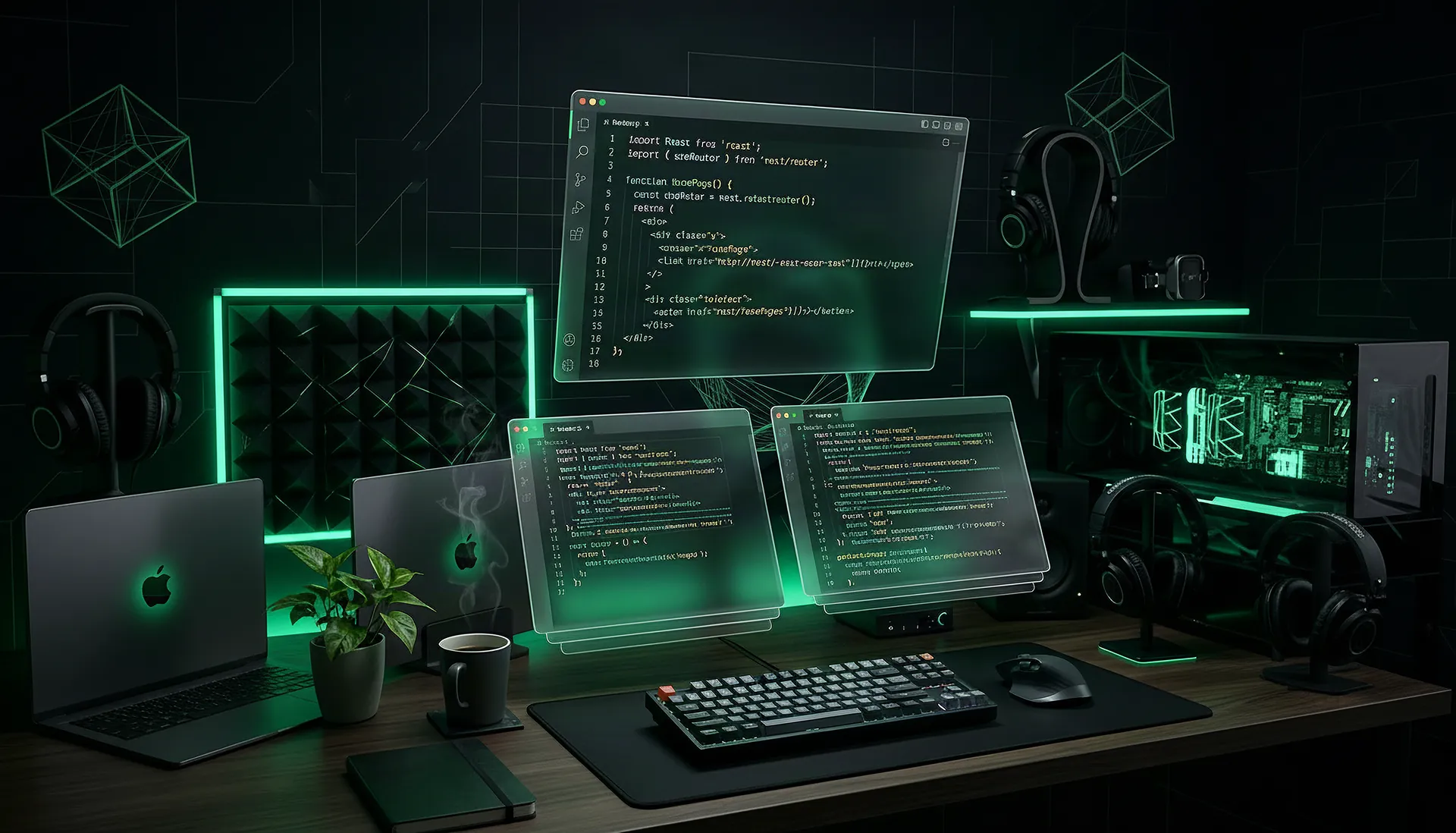
- Dark-first, light-capable : The whole design system is built on a dark zinc palette with emerald accents, but every component works in light mode too.
- Show, don't tell : The stack page does not just list tools. Hover any link and it shows a live screenshot preview of that tool's site, loaded instantly from a global cache.
The stack page
One of my favourite features. It is organised into categories such as Productivity & Security, Development, AI & Intelligence and MCP Servers, and each tool comes with a personal note on why I use it.
What I learned
Building your own portfolio is an exercise in restraint. Over-engineering and over-designing it is very easy. The best portfolios are the ones where the technology disappears and the content speaks for itself.
This project taught me to treat my portfolio like a client project: clear architecture, a consistent design system, and iteration based on real feedback.